Krateo PlatformOps Quickstart
This guide presents a basic introduction to Krateo PlatformOps. Together, we will:
- Install
krateoctl - Install Krateo PlatformOps 3.0.0-rc1 into a local cluster
- Deploy the
github-scaffolding-with-composition-pageBlueprint - Deploy a Composition leveraging the
github-scaffolding-with-composition-pageBlueprint - Destroy the cluster
Requirements
The github-scaffolding-with-composition-page Blueprint will create a new public GitHub repository in your organization. Fill the form according to the organization name.
Install krateoctl with:
- macOS
- Linux
- Windows
Install krateoctl via Homebrew:
brew tap krateoplatformops/krateoctl
brew install krateoctl
Or use the automatic install script:
curl -sL https://raw.githubusercontent.com/krateoplatformops/krateoctl/main/install.sh | bash
Run the automatic install script in your terminal:
curl -sL https://raw.githubusercontent.com/krateoplatformops/krateoctl/main/install.sh | bash
The script will:
- Detect your architecture
- Download the latest release binary
- Install it to
/usr/local/bin(requires sudo), or fall back to$HOME/.local/bin - Ensure the install directory is in your
PATH
Manual installation steps:
- Go to the Releases page.
- Download the archive for your architecture (e.g.
windows_amd64.zip). - Extract the binary from the archive.
- Add the folder containing the binary to your system
PATH.
Deploy Krateo PlatformOps on a local cluster (kind)
Any of the following approaches require Helm v3.13.1 or greater to be installed.
- kind
If you have any Docker-compatible container runtime installed (including native Docker, Docker Desktop, or OrbStack), you can easily launch a disposable cluster just for this quickstart using kind.
curl -L https://raw.githubusercontent.com/krateoplatformops/krateo-v2-docs/refs/heads/main/scripts/kind.sh | sh
While this option is a bit more complex than using Docker Desktop or OrbStack directly, it offers the advantage of being fully-disposable. If your cluster reaches a state you are dissatisfied with, you can simply destroy it and launch a new one.
Wait for Krateo PlatformOps to be up&running:
kubectl wait krateoplatformops krateo --for condition=Ready=True --namespace krateo-system --timeout=800s
At the end of this process:
- The Krateo Composable Portal will be accessible at localhost:30080.
- The admin user password can be retrieved with the following command:
kubectl get secret admin-password -n krateo-system -o jsonpath="{.data.password}" | base64 -d
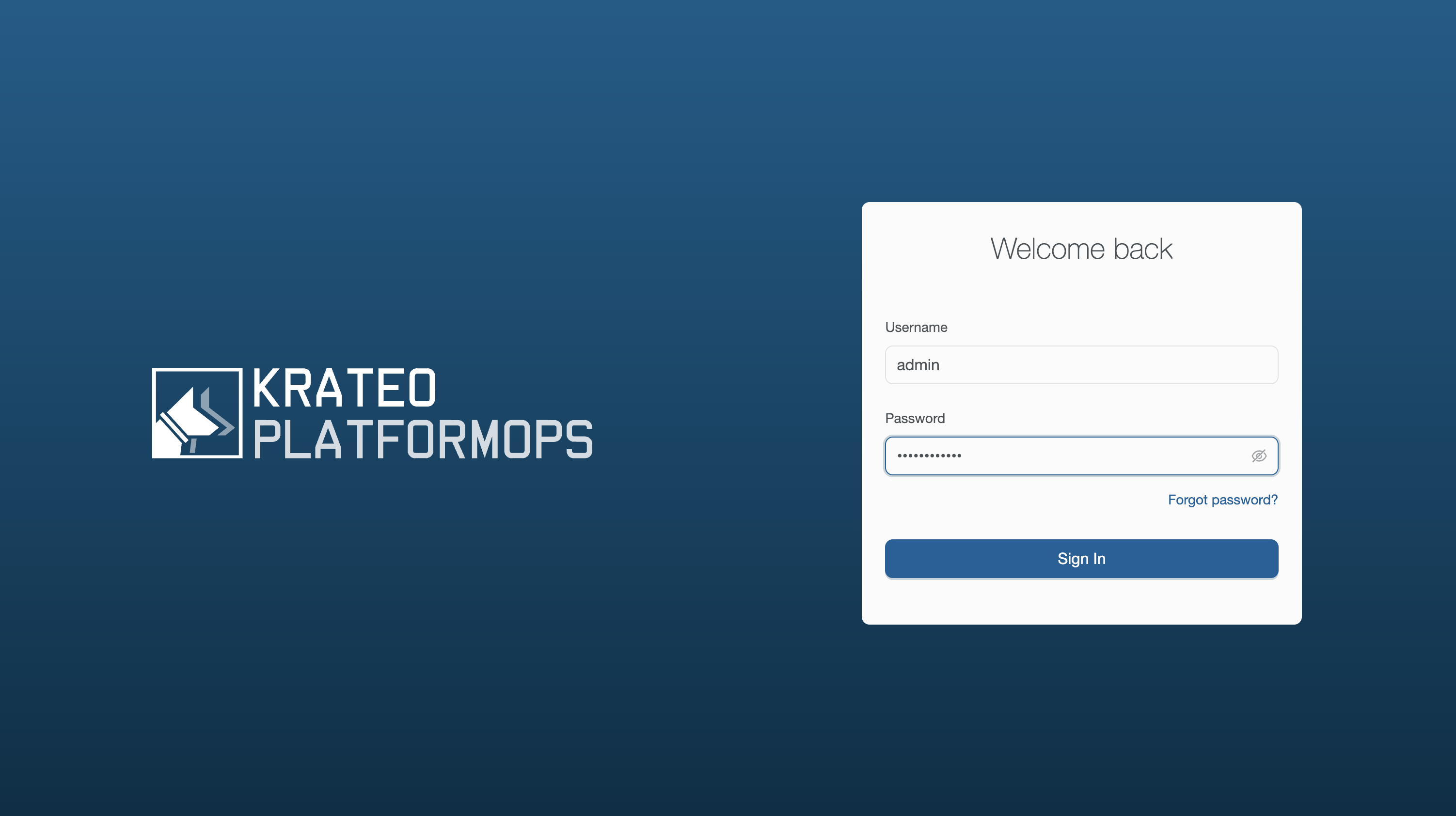
Login into the Krateo Composable Portal: http://localhost:30080/
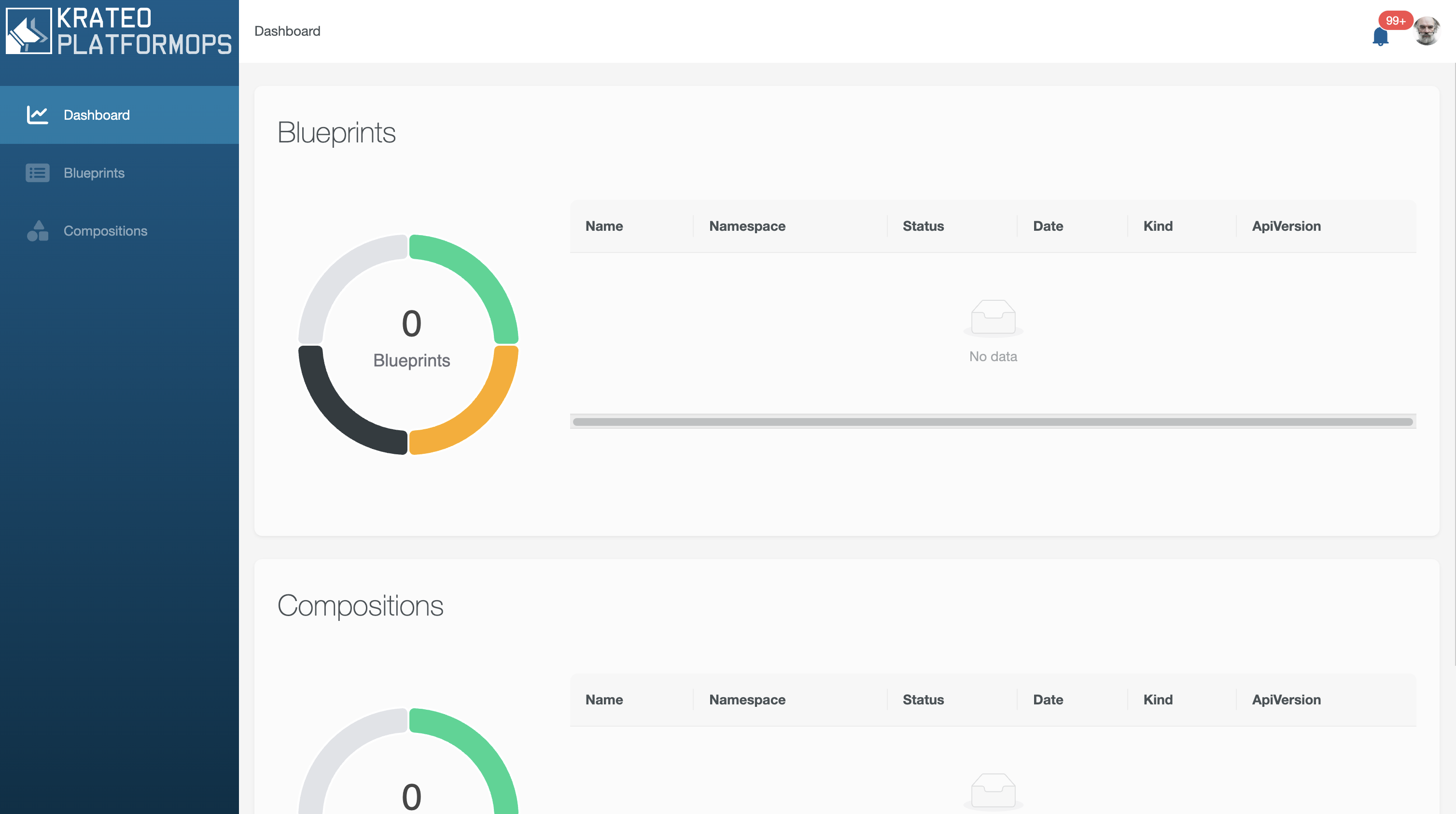
Navigate the dashboard:
Deploy the github-scaffolding-with-composition-page Blueprint
We will leverage the github-scaffolding-with-composition-page blueprint. Follow the README instructions to deploy the blueprint leveraging Krateo Composable Portal.
Navigate again the dashboard and observe how the state changes while CompositionDefinition becomes Ready:True.
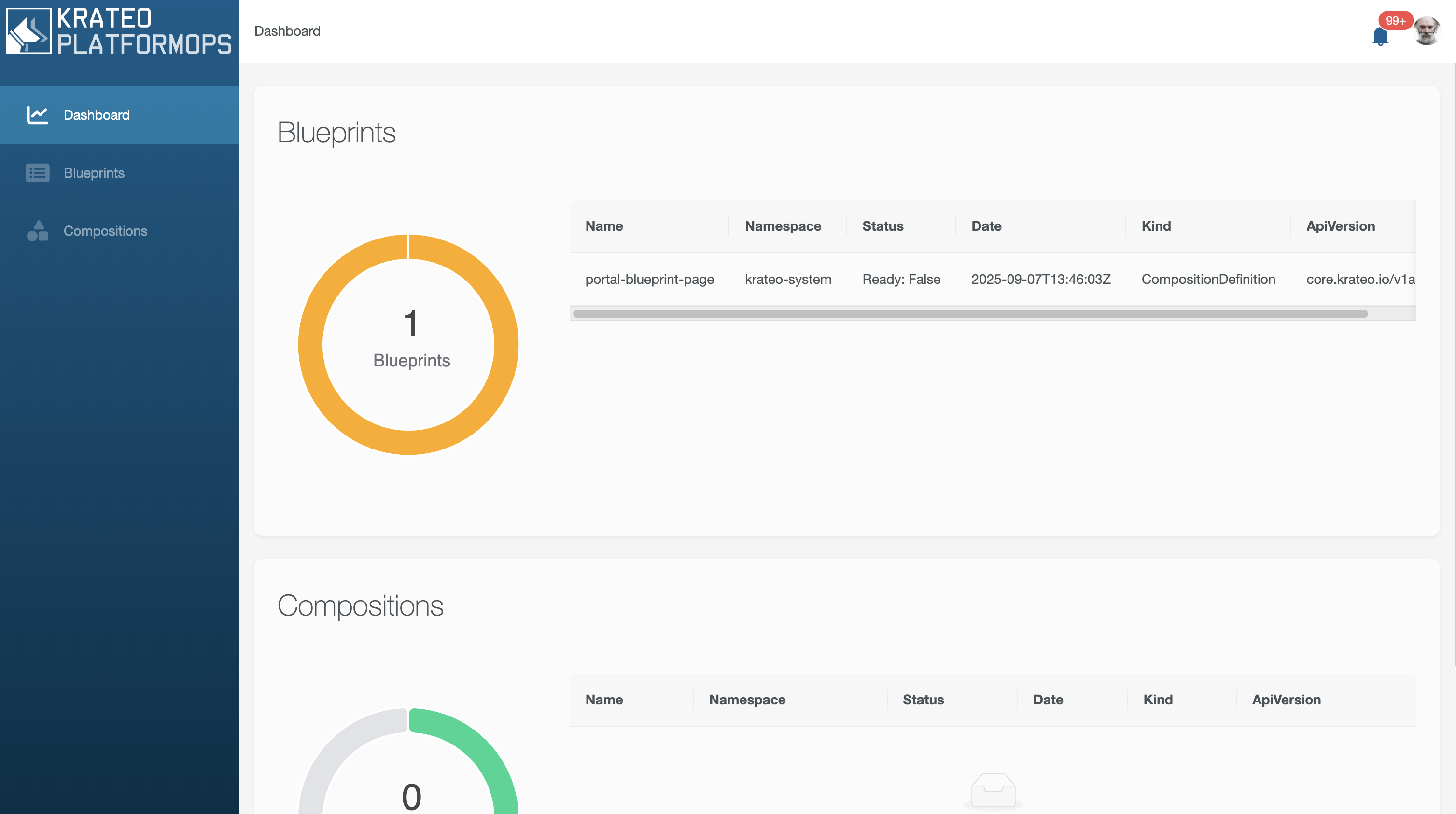
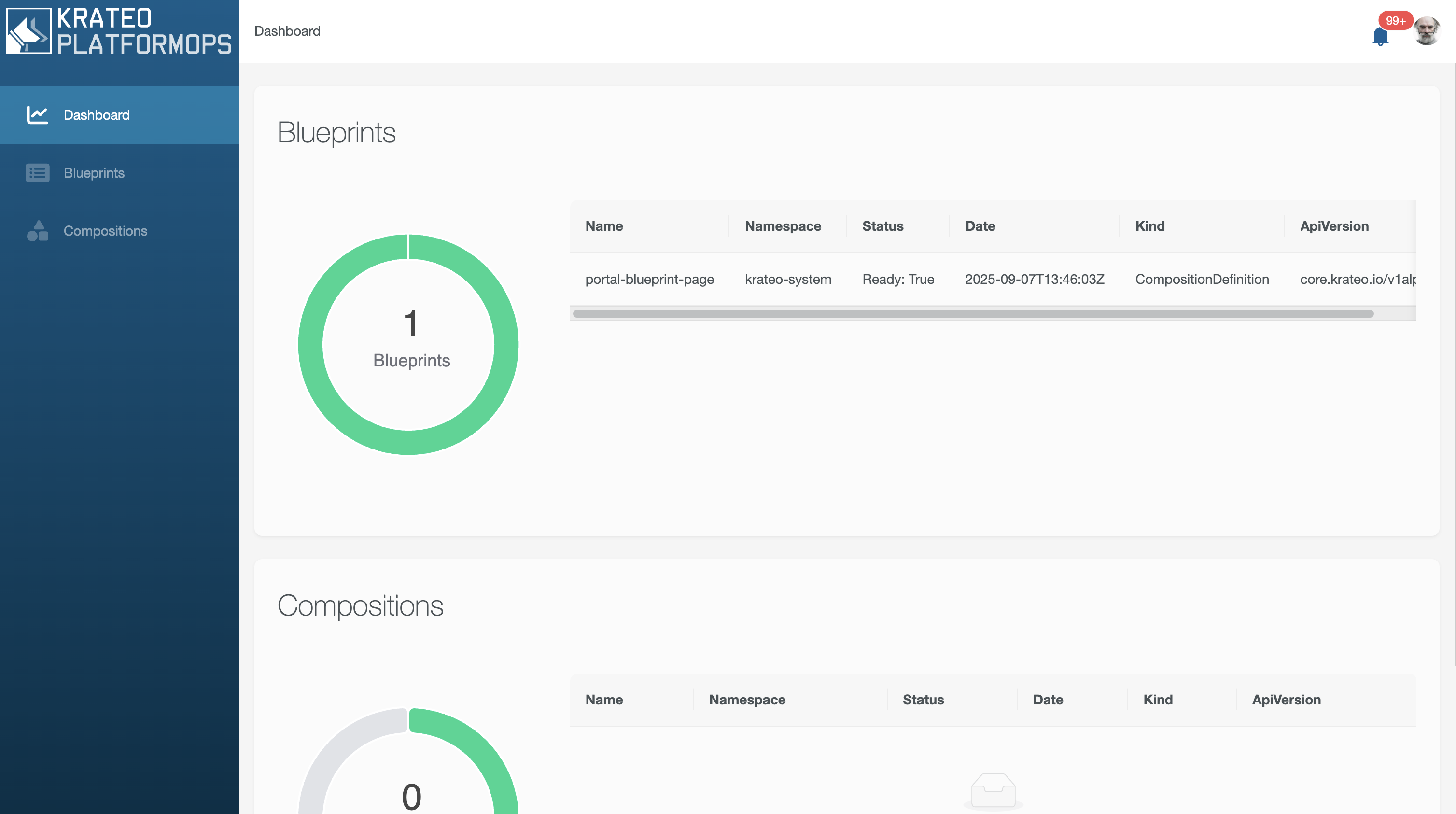
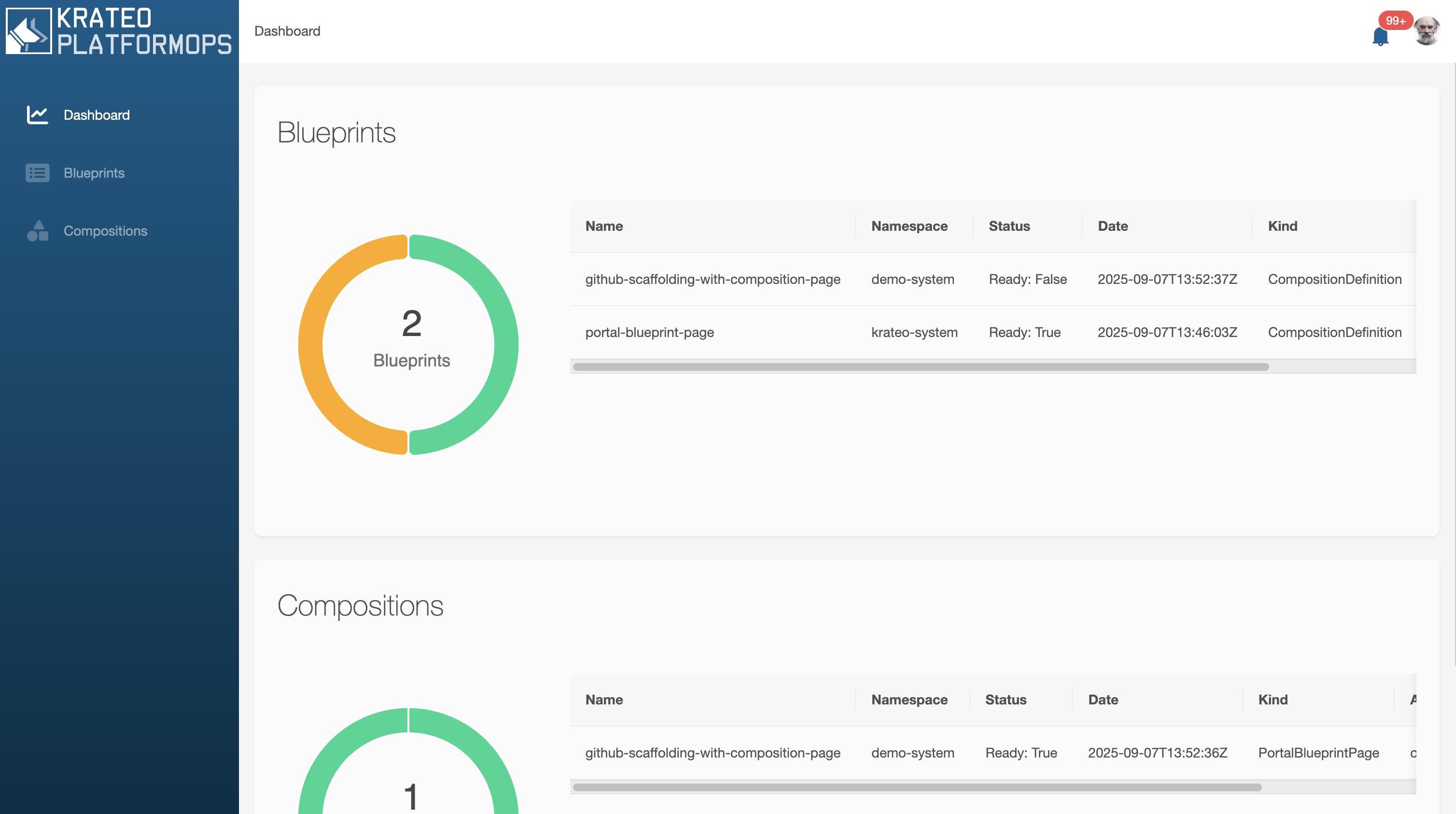
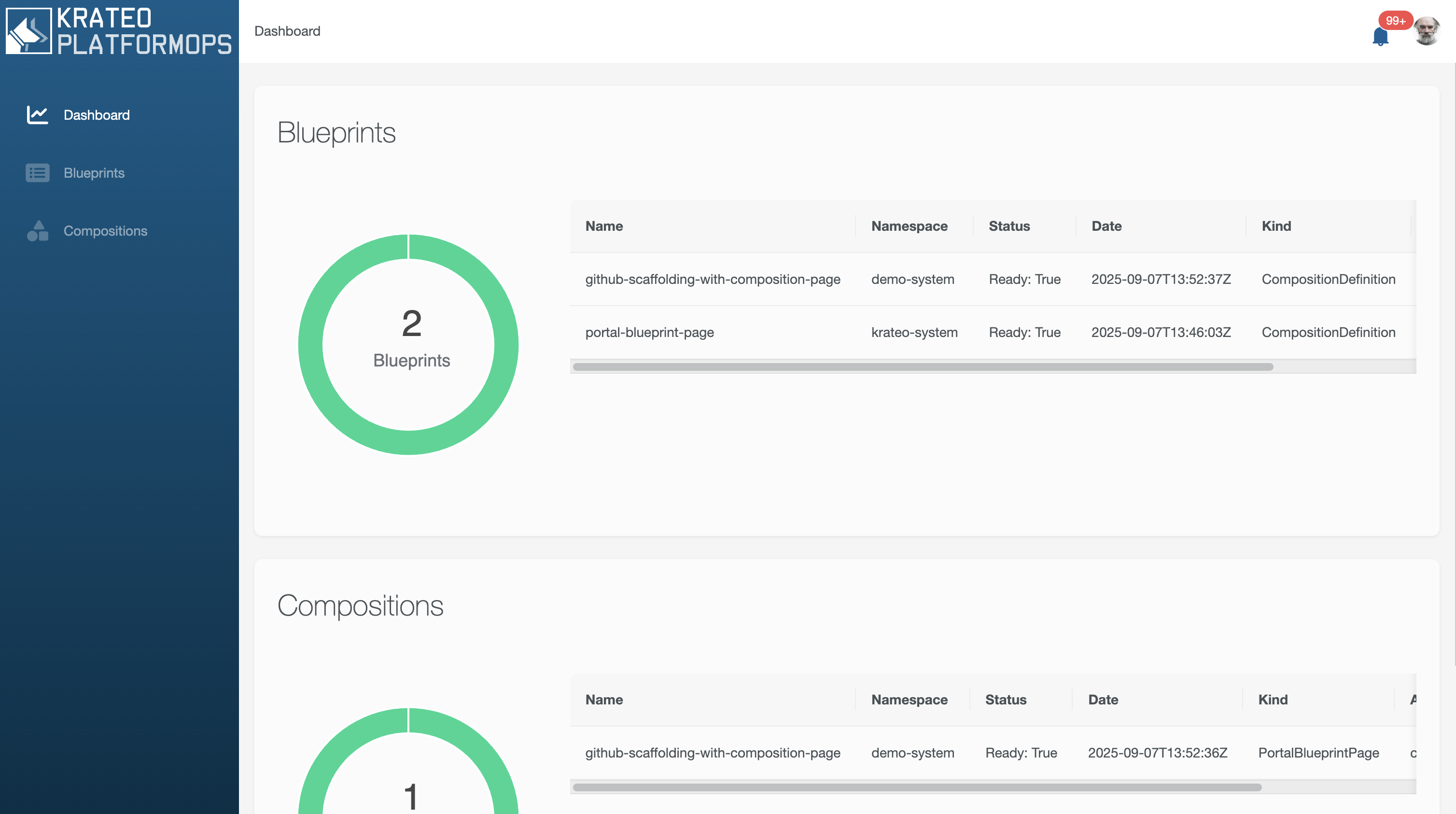
Check the Blueprints section in the Portal:
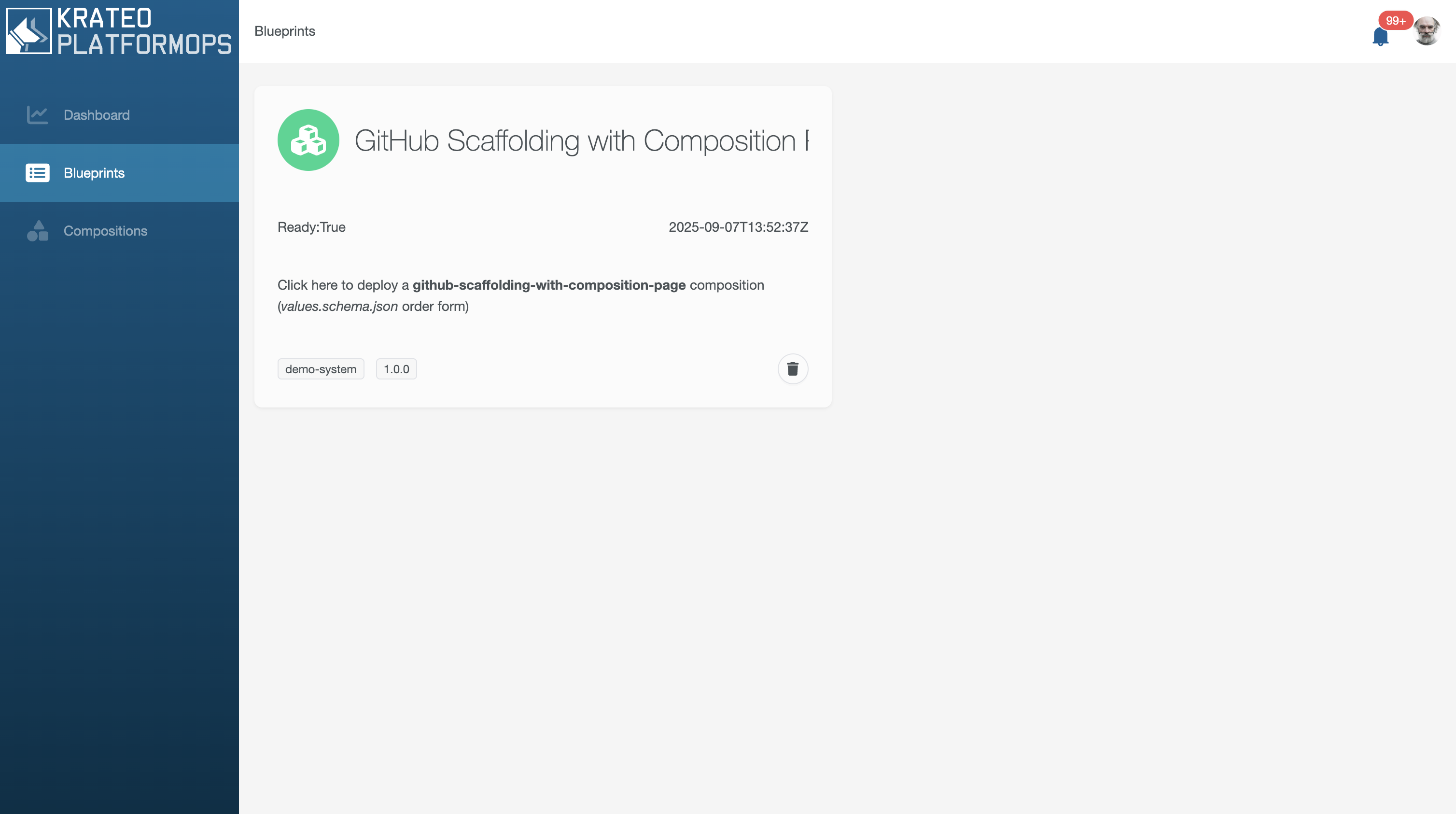
Deploy a Composition leveraging the github-scaffolding-with-composition-page Blueprint
Click on the GItHub Scaffolding with Composition Page card, a form will appear on the right:
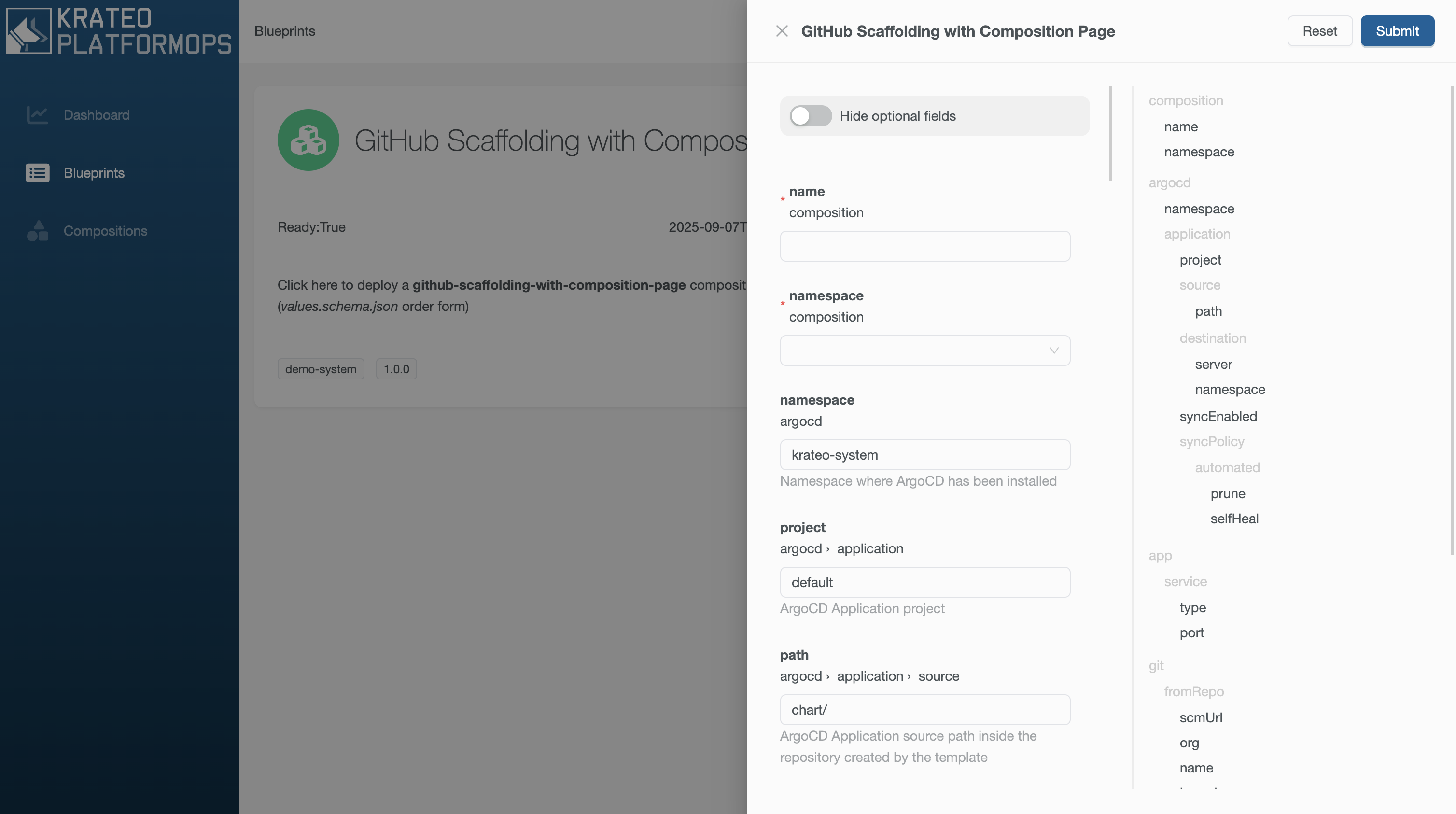
Fill the form fields in the following way:
| Key | Value |
|---|---|
| git.toRepo.name | krateo-demo |
| git.toRepo.org | your github organization |
A new Composition is now available and an automatic redirect is done:
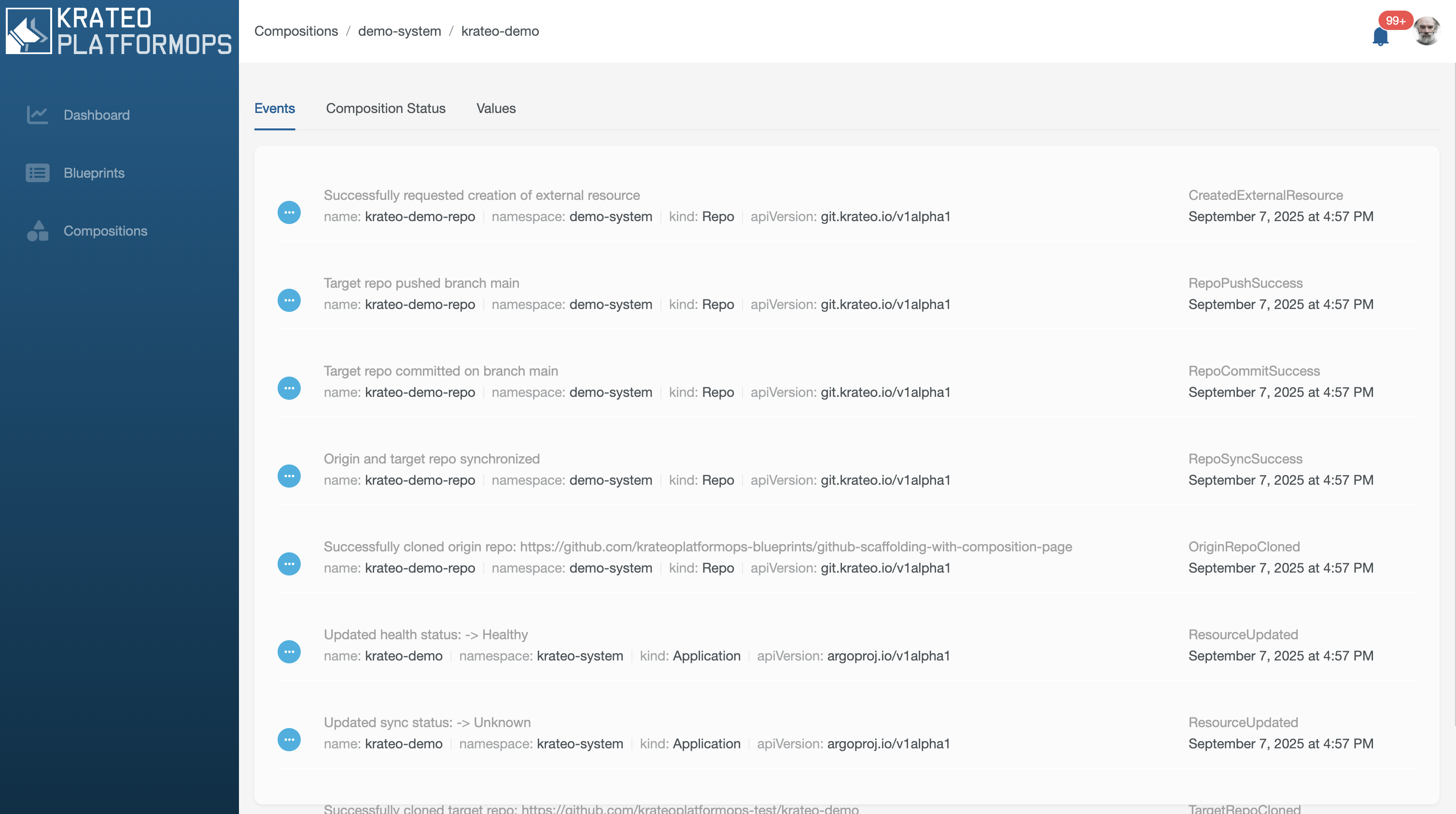
Let's move back to the Compositions menu:
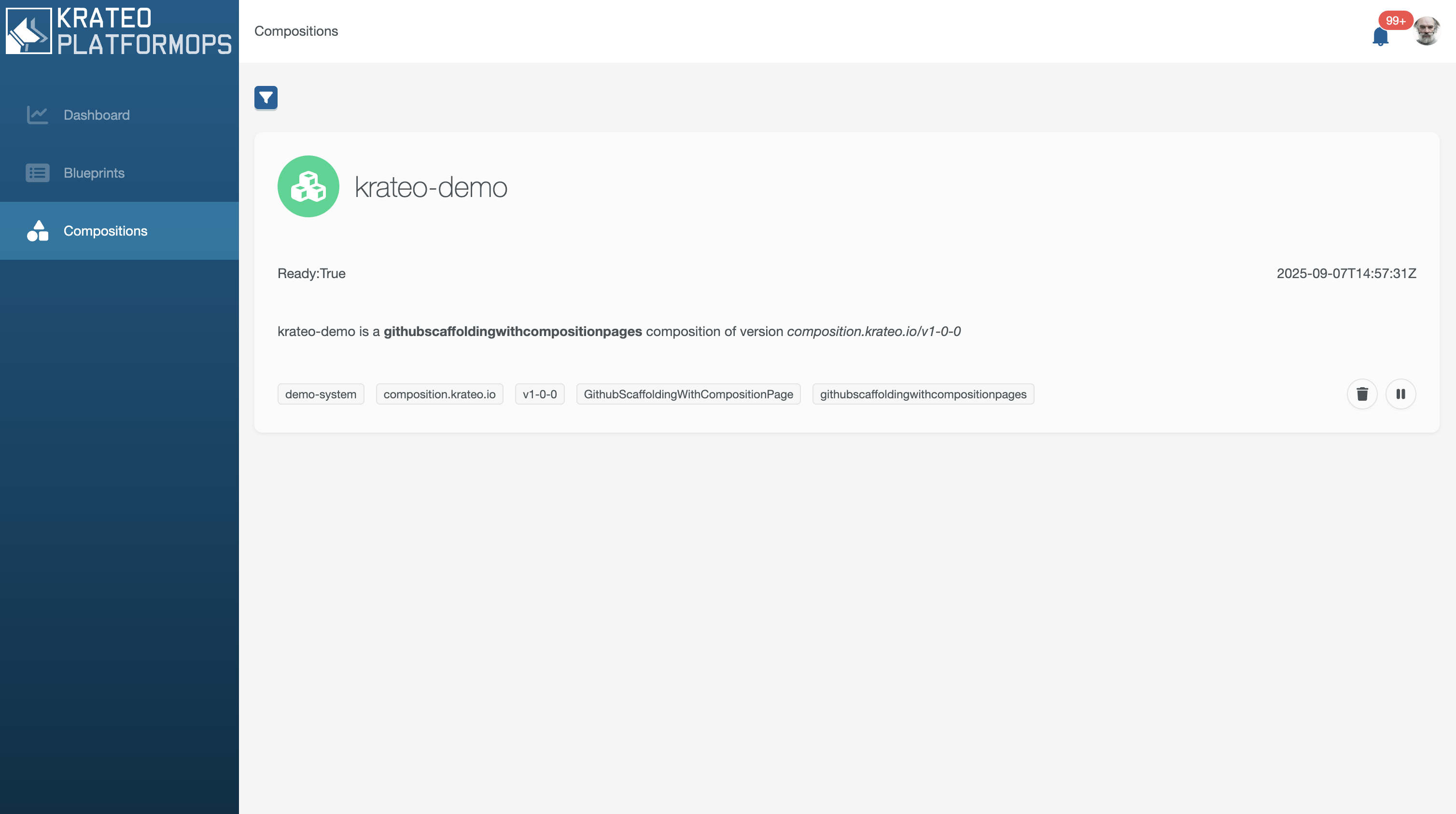
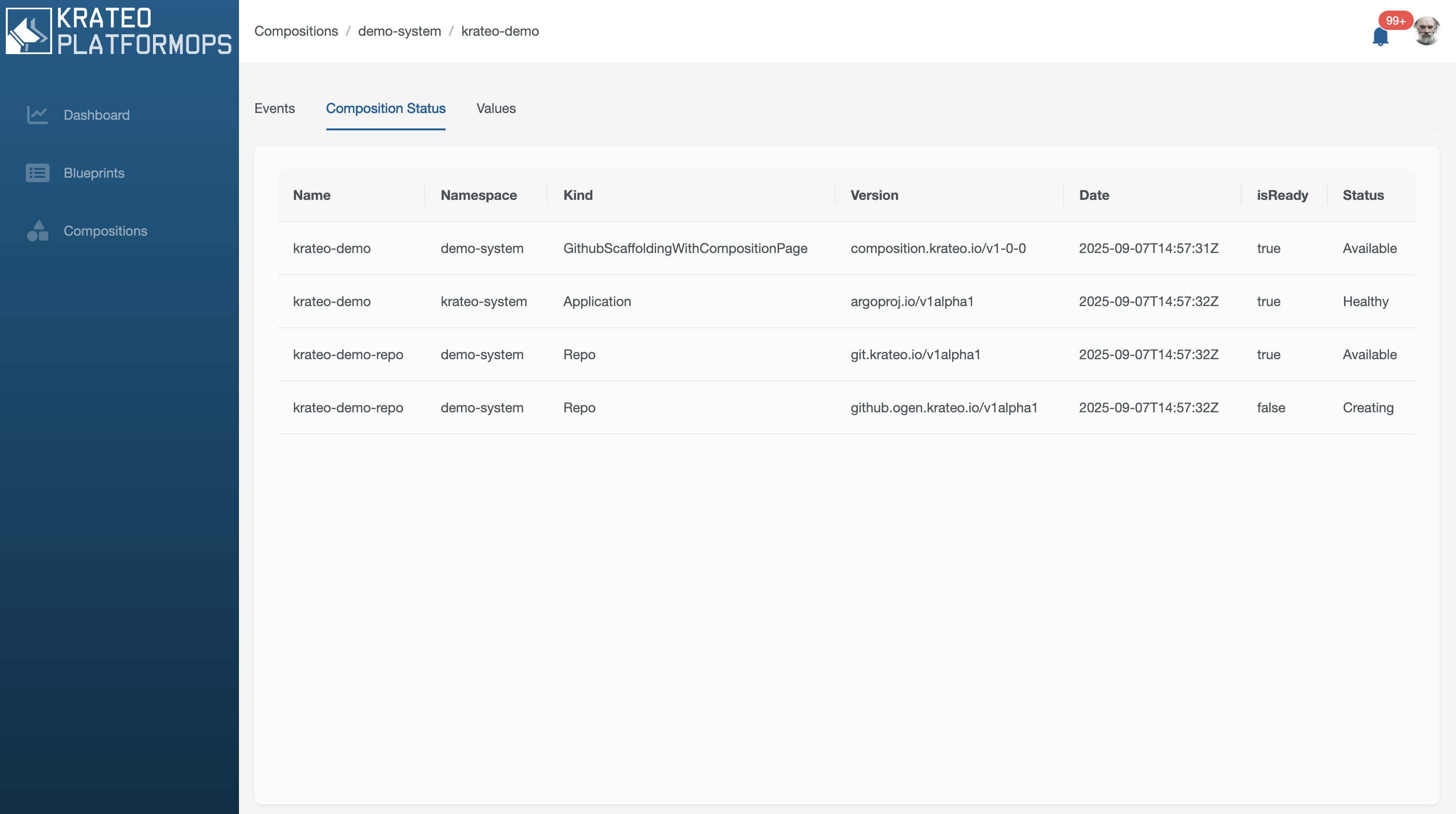
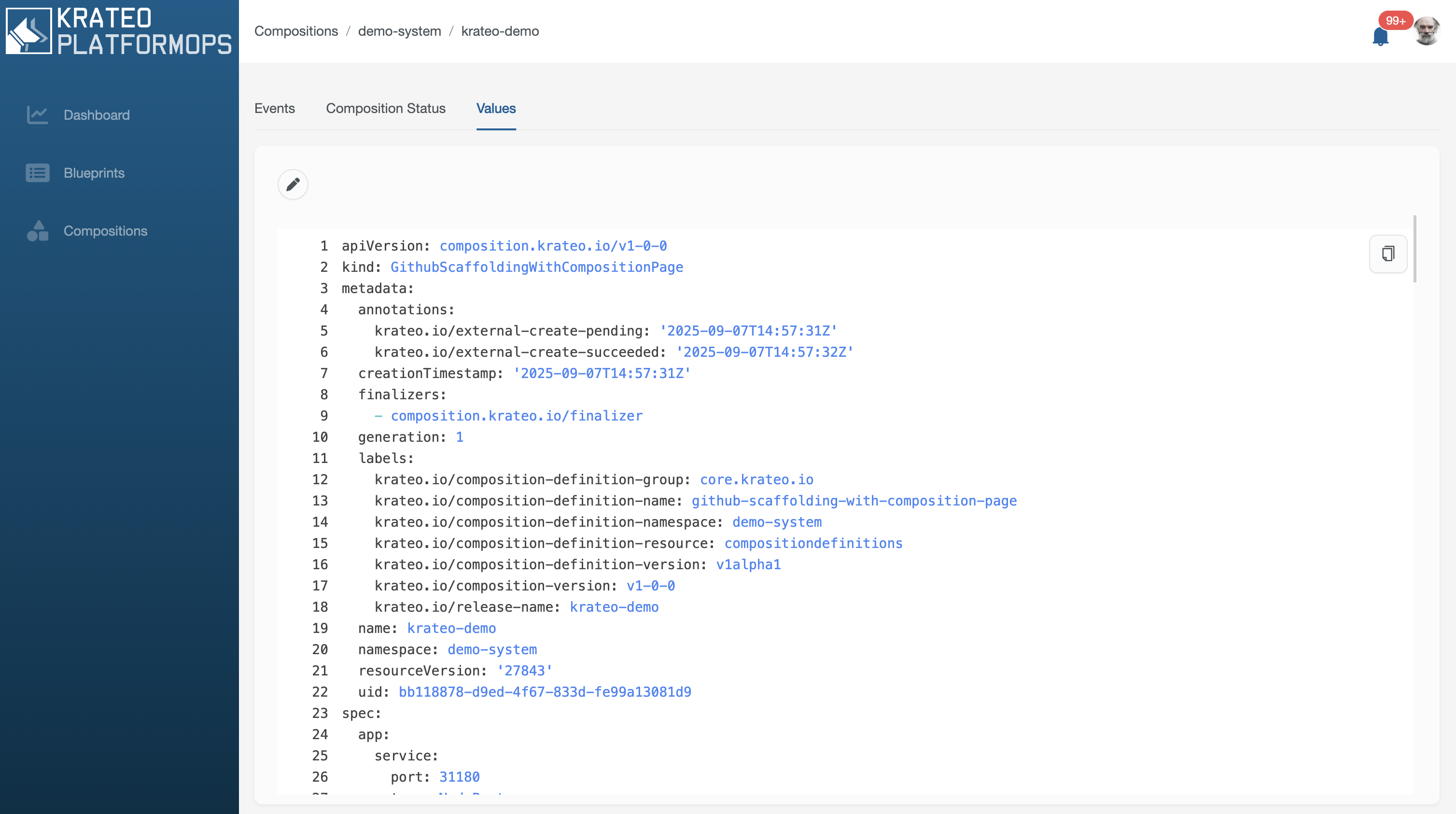
Let's click on the krateo-demo composition panel.
Events
Composition Status
Values
Destroy the cluster
Simply destroy the cluster:
- kind
kind delete cluster --name krateo-quickstart